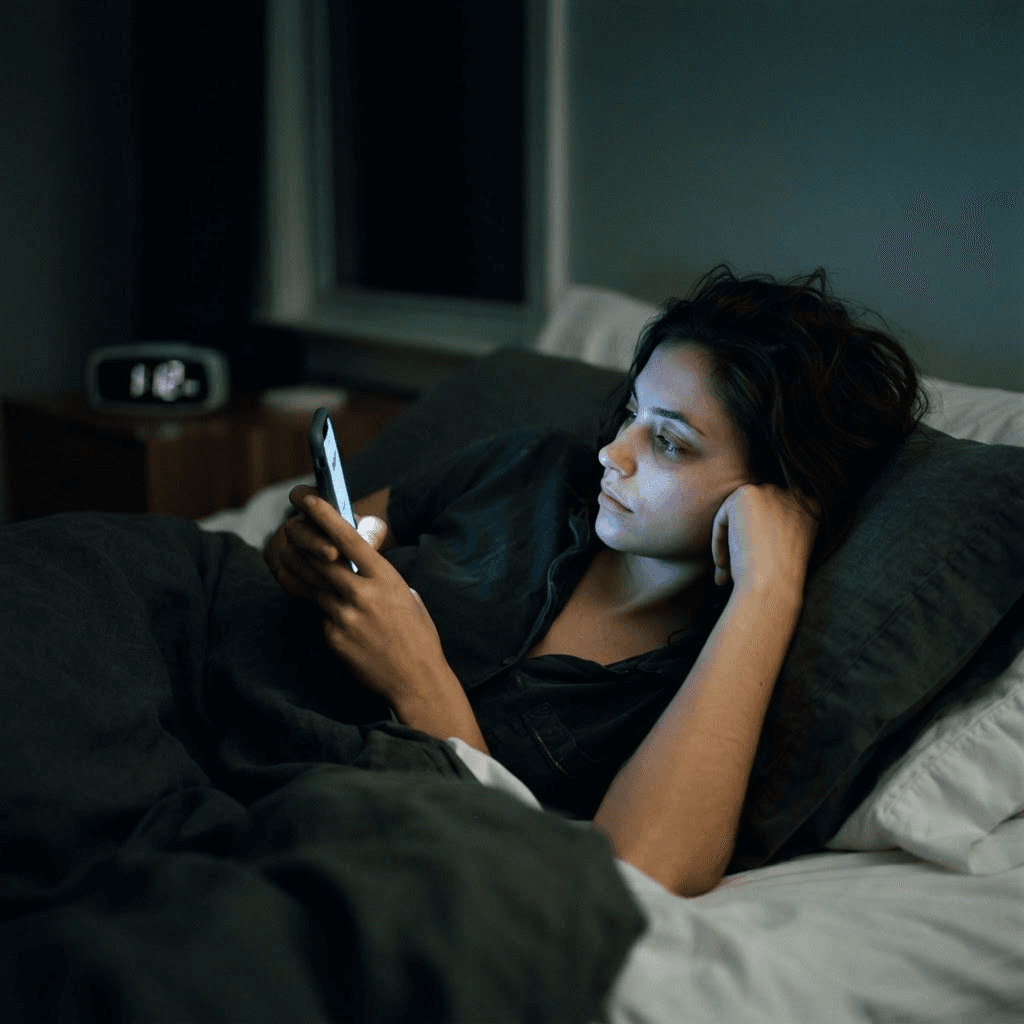
still scrolling?
How to Stop Doomscrolling: a 7-day phone reset that actually sticks
One week. One job per day. No deleted accounts, no digital monastery—just an environment redesigned so the lazy path and the healthy path become the same path.
What this week is—and is not
- Doomscrolling is not a willpower failure. It is a well-designed loop of trigger, infinite feed and unpredictable reward—so the fix is redesigning the loop, not gritting your teeth.
- You cannot fight a habit you have not measured. Day 1 is an audit, and the number is almost always higher than your guess.
- Friction beats resolve. Grayscale, logged-out apps and a phone that sleeps outside the bedroom quietly remove hundreds of micro-decisions a day.
- An empty gap gets refilled by the same habit. Every scrolling slot you remove needs a specific replacement waiting in it.
- A planned relapse day is part of the protocol. One bad evening is data, not proof that you have failed.
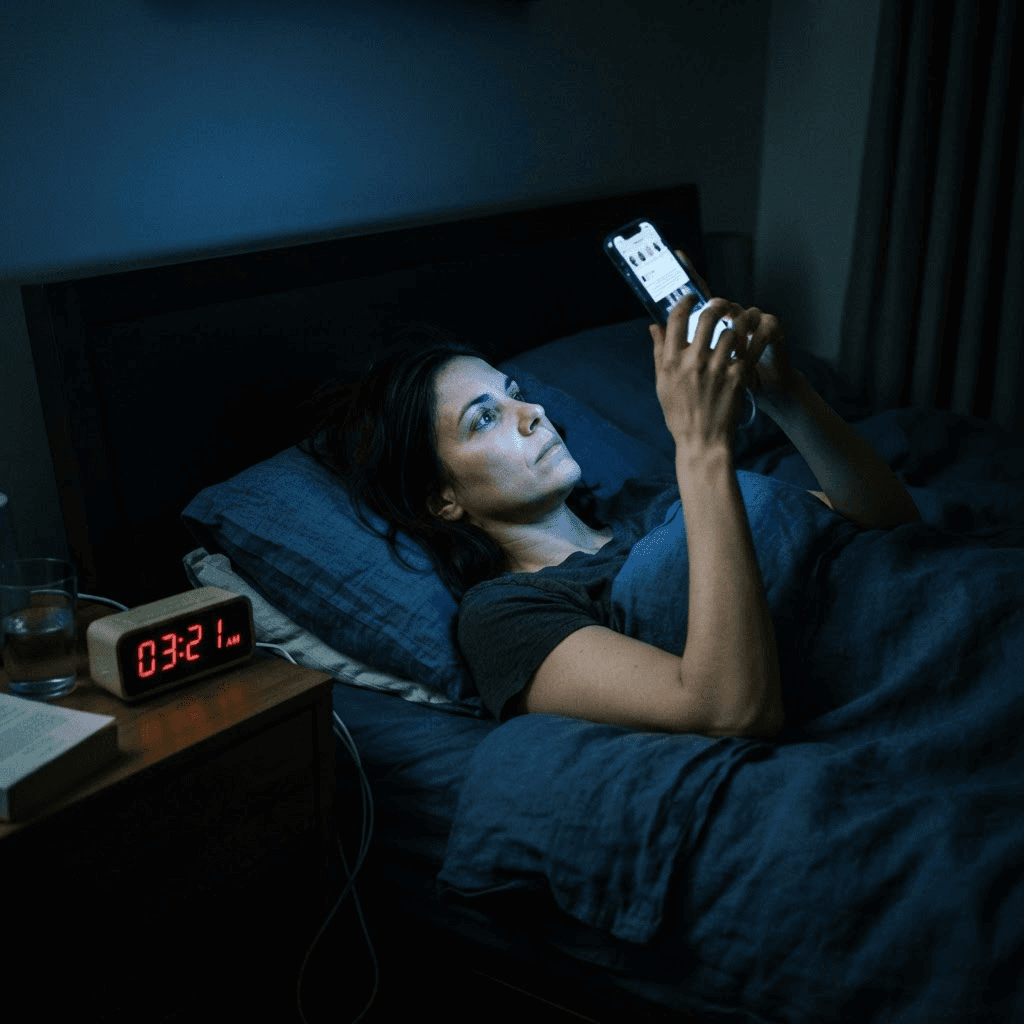
The average screen-time report has a strange power: people will argue with it. "Four hours and twelve minutes? That cannot be right." It is right. Twenty minutes waiting for the kettle, forty on the sofa after dinner, an hour you do not remember in bed—none of it felt like four hours because none of it was a decision. That is the defining feature of doomscrolling: nobody chooses it. You pick up the phone to check one thing, and thirty-five minutes later you are reading angry replies to a stranger's post about a crisis on another continent, feeling worse than when you started, and scrolling anyway.
What follows is a seven-day reset, written as a protocol rather than a pep talk. Each day has one job. You do not delete your accounts, throw your phone in a drawer or announce a digital detox to anyone. You run the week, collect your own evidence, and on Day 7 you decide—based on what actually happened—which changes are worth keeping. Most people keep three or four of them for good.
Before Day 1: know what you are actually up against
Doomscrolling runs on a loop that behavioural scientists have understood for decades: a trigger (boredom, stress, a notification, the sight of the phone itself), an effortless action (unlock, open, thumb flick) and a variable reward—sometimes the feed gives you something interesting, sometimes it does not, and that unpredictability is precisely what keeps the thumb moving. Slot machines use the same schedule. The feed never ends, so there is no natural stopping point, and negative content holds attention harder than neutral content, which is why the algorithm keeps serving it.
The cost is not only time. Research links heavy passive scrolling—consuming feeds without interacting—to higher anxiety, lower mood and worse sleep, and late-night news bingeing has been studied under the name "doomscrolling" since 2020 with consistently gloomy findings. If your evenings already run anxious, the feed is pouring fuel on it; our guide to reducing anxiety with morning habits works on the same nervous system from the other end of the day.
You are not weak-willed. You are one person with a tired brain up against a feed engineered by thousands of people whose job is to keep you there.
Day 1 — Measure it. Change nothing.
Today you scroll exactly as you normally do. The only task is to look at the evidence tonight. Open your screen-time dashboard (Screen Time on iPhone, Digital Wellbeing on Android) and write down four numbers on paper—paper matters, because a note buried in your phone is a note the feed will bury.
| Metric | Where to find it | Your baseline |
|---|---|---|
| Total daily screen time | Screen Time / Digital Wellbeing summary | Write it down |
| Pickups per day | The same dashboard, usually under "pickups" or "unlocks" | Write it down |
| Top three apps by hours | App-level breakdown | Write them down |
| Last pickup of the night | Be honest—was the phone the last thing you saw? | Yes / no |

Day 2 — Cut the triggers that summon you
Every notification is an invitation to a party you did not ask to attend. Today you triage them in one sitting—it takes about fifteen minutes and does more than any amount of resolve. Go through your notification settings app by app and sort ruthlessly: humans get through, machines do not.
- Keep: calls, direct messages from actual people, calendar alerts, anything safety-related. These are humans reaching you.
- Kill: every "suggested for you", "someone you may know", trending-topic, breaking-news and streak notification. These are machines reaching for you.
- Move: drag every feed app off your home screen and into a folder on the last page. The extra two swipes give your brain a moment to notice what your thumb is doing.
- Rename that folder something honest. "Slot machines" works. So does "Are you sure?"
By tonight your phone should only make a sound when a person wants you. Expect a strange side effect: phantom checks, where you pick the phone up for a notification that never came. Count them if you like—they fade within days, and watching them fade is oddly satisfying.
Day 3 — Add friction the algorithm cannot remove
Feeds are engineered to be frictionless, so today you re-introduce friction on your side of the glass. Three moves, in ascending order of boldness. Do at least the first two.
- Turn the screen grayscale. Both major platforms hide this in accessibility settings (Colour Filters on iOS, Bedtime mode or Grayscale in Digital Wellbeing on Android). A gray feed is a boring feed—the colour is doing far more work on your attention than you think.
- Log out of every feed app, and turn off saved passwords for them. When opening the app costs a login instead of a flick, "mindless" stops being possible.
- Delete the single app from your Day 1 top three that gives you the worst mood-to-minutes ratio. Not forever—the account survives, and you can use the browser version, which is deliberately clunkier. That clunkiness is now your friend.

Day 4 — Give the phone a bedtime (before yours)
Night is when doomscrolling does its worst work. Your prefrontal cortex—the part that says "that's enough"—is the most tired part of your brain by 11 p.m., while the feed is exactly as relentless as it was at noon. It is an unfair fight, so tonight you stop fighting it and change the venue instead.
Choose a spot outside your bedroom—a hallway shelf, a kitchen counter—and from tonight, the phone charges there. It arrives at its spot thirty minutes before you intend to sleep, face down, and stays until morning. If the phone is your alarm, a basic alarm clock costs less than a takeaway and removes the single biggest excuse in this entire protocol. This pairs naturally with a wind-down anchor for the mind; a 10-minute mindfulness practice fills the slot the scroll used to occupy.

Day 5 — Fill the gaps before the feed refills them
By today you will have noticed something uncomfortable: the moments the scroll used to fill are still there, and they feel itchy. The kettle still takes three minutes. The sofa after dinner is still the sofa after dinner. A removed habit leaves a vacuum, and vacuums get refilled by whatever is easiest—which, unless you plan otherwise, is the same habit sneaking back in through the browser.
So today you pre-load replacements. The rule: each one must be reachable in under twenty seconds, or the phone wins on convenience. A paperback living on the sofa arm. A podcast queued for the kettle. Stretching for the ad breaks. For the restless, wired-but-tired evenings, nothing outperforms getting outside—walking in green space measurably lowers cortisol, which is more than the feed has ever done for anyone.

Day 6 — The relapse day (yes, it is scheduled)
Somewhere this week—statistically, around now—you will have a bad evening. Something stressful happens, the old loop fires, and you surface from forty minutes of scrolling feeling like the week was pointless. This day exists in the protocol precisely because that moment is predictable, and a predicted setback is a manageable one.
- Do not compensate. No deleting every app in a fit of resolve at midnight. Dramatic overcorrection is how resets die.
- Write one line: what triggered it (stress? boredom? a notification that slipped the triage?) and what time it happened. That line is more valuable than a perfect day would have been.
- Patch the specific hole. Trigger was a leftover notification? Kill it. Happened in bed? The phone missed its bedtime—recommit to the parking spot.
- Say the sentence out loud, because it is true: one lapse in a seven-day protocol is a 14 percent error rate, and no system in the world is judged a failure at 86 percent.
Day 7 — Read the evidence and choose your defaults
Open the screen-time dashboard and put today's numbers next to the ones you wrote on paper six days ago. Total hours, pickups, top apps, last pickup of the night. Most people see total time down by a third or more and pickups down by half—but the number that matters most is the last one. A phone that no longer ends your day changes how the day ends.
| Change you tested | Keep it if… | Common verdict |
|---|---|---|
| Notification triage (Day 2) | You did not miss a single machine notification all week | Kept by almost everyone |
| Feed apps off home screen (Day 2) | The two extra swipes kept catching your thumb | Kept |
| Grayscale (Day 3) | The feed stayed boring and the world did not | Kept, or scheduled for evenings only |
| Logged-out feed apps (Day 3) | Logging in made you close the app at least once | Kept for the worst app, relaxed for others |
| Phone bedtime and parking spot (Day 4) | You slept even slightly better | The single most-kept change |
| Pre-loaded replacements (Day 5) | Any of them got used without forcing it | Keep the ones that stuck, drop the aspirational ones |
Whatever you keep becomes the new default, and defaults are the entire game. You are not signing up for a lifetime of vigilance—you are choosing an environment in which the lazy path and the healthy path are finally the same path.
But how do I stay informed without the feed?
This is the objection that keeps most people scrolling, so it deserves a straight answer. Doomscrolling feels like staying informed, but the feed does not optimise for your understanding—it optimises for your attention, which means maximum alarm and minimum resolution. The fix is to switch from being fed news to collecting it: pick one or two trusted outlets, visit them deliberately once or twice a day at times you choose, read past the headline, and close the tab. Ten intentional minutes reliably leaves you better informed—and considerably calmer—than ninety minutes of algorithmic churn.
When it is more than a habit
For most people, doomscrolling is an environment problem, and a week of environment changes fixes most of it. Sometimes, though, the scroll is doing a heavier job—numbing anxiety, avoiding grief, escaping a situation that genuinely needs attention. Consider talking to a licensed professional if, several weeks after an honest attempt at this reset, the compulsion is unchanged, or if the scrolling is your main way of coping with feelings you cannot otherwise face, or if what you find in the feed regularly leaves you hopeless rather than merely tired. Compulsive use that overrides your own decisions, week after week, is a recognised pattern that responds well to approaches like CBT—asking for that help is a repair, not a defeat.
Sources behind this protocol
The evidence on doomscrolling, variable rewards, screen use and sleep, and behaviour-change friction that shaped this week.
- Doomscrolling and mental wellbeing during crisesNational Library of Medicine (PMC)
- Screen use before bed and sleep outcomesSleep Foundation
- Digital media habits and anxiety symptomsAmerican Psychological Association
- Problematic smartphone use: assessment and interventionsNational Institute of Mental Health (research overview)
The doubts that show up mid-week, answered
Is doomscrolling actually bad for your mental health?
The research is fairly consistent: heavy passive scrolling—especially through negative news and especially at night—is associated with higher anxiety, lower mood and worse sleep. The effect is strongest for consumption without interaction, which is exactly what doomscrolling is. It does not mean your phone is toxic; it means open-ended feeding on alarming content, at the hours when your brain is least defended, has a measurable cost.
Why do I doomscroll even when it makes me feel worse?
Because the loop rewards the checking, not the feeling afterwards. Feeds use variable rewards—sometimes interesting, sometimes not—which is the most habit-forming reinforcement schedule known. Add an infinite page with no stopping point and a brain that treats alarming information as urgent, and you get a behaviour that continues independent of whether you enjoy it. That is also why willpower alone rarely fixes it and environment changes usually do.
Do I have to delete social media to stop doomscrolling?
No, and this protocol deliberately never asks you to. Deleting everything tends to produce a rebound within weeks. What works better is making the scroll slower and more deliberate: notifications triaged, apps logged out and off the home screen, grayscale in the evening, and the phone out of the bedroom. Most people keep their accounts and lose the compulsion.
How long does it take to break the doomscrolling habit?
The environmental changes work immediately—a phone in the hallway cannot be scrolled in bed on the very first night. The itch fades on a slower clock: phantom pickups drop noticeably within about a week, and most people report the urge feeling genuinely quiet after three to four weeks of keeping their Day 7 defaults. A relapse during that window is normal and predicted; patch the trigger and continue.
What should I do at night instead of scrolling?
Pre-load the alternative before the evening starts, and keep it within twenty seconds of reach: a paperback on the nightstand, a wind-down routine, gentle stretching, a short mindfulness practice or simply an earlier, darker bedroom. The key is replacement rather than deprivation—an empty gap at 11 p.m. will be refilled by the phone unless something easier is already sitting in it.
Is doomscrolling a sign of anxiety or depression?
It can be either a contributor or a symptom, and sometimes both. Scrolling that functions as your main escape from persistent low mood, dread or feelings you cannot face is worth discussing with a professional, particularly if the compulsion survives a genuine attempt at changing your environment. Treating the underlying anxiety or depression often shrinks the scrolling on its own.
Vitality Editorial Team
Vitality publishes practical wellbeing guidance grounded in public-health recommendations and clearly cited research.
A note on scope: This article offers general behavioural strategies for reducing compulsive scrolling. It is not a diagnosis or treatment for anxiety, depression or behavioural addiction. If compulsive phone use is significantly affecting your sleep, work, relationships or mood, please speak with a licensed mental health professional.